站内导读
中文 这个项目用约500行无第三方库的C++实现软件渲染器,配套系列文章讲解OpenGL、Vulkan等图形API的内部原理。它解决初学者学习3D图形API的入门障碍,通过手动实现直线绘制、三角形光栅化、Z-buffer、纹理映射、阴影等,帮助理解渲染管线。适合想深入理解图形管线、愿意动手编程的学生和开发者。
日本語 このプロジェクトは、第三者ライブラリを使わず約500行のC++でソフトウェアレンダラを実装し、OpenGLやVulkanなどの内部動作を解説する連載記事です。3DグラフィックスAPIの学習初期の障壁を解消することを目的とし、線描画や三角形ラスタライズ、Zバッファ、テクスチャ、シャドウマッピングを手作業で実装します。グラフィックスパイプラインを深く理解したい学生や開発者に適しています。
한국어 이 프로젝트는 서드파티 라이브러리 없이 약 500줄의 C++로 소프트웨어 렌더러를 구현하고, OpenGL·Vulkan 등 그래픽스 API의 내부 동작을 설명하는 연재 글입니다. 3D 그래픽스 API 학습 초기의 장벽을 해소하는 것을 목표로 하며, 선 그리기, 삼각형 래스터화, Z-버퍼, 텍스처, 섀도 매핑을 직접 구현합니다. 그래픽스 파이프라인을 깊이 이해하려는 학생과 개발자에게 적합합니다.
English This project implements a software renderer in about 500 lines of bare C++ and accompanies a series explaining how OpenGL, Vulkan, and similar APIs work. It addresses the initial hurdle of learning 3D graphics APIs by having you manually implement line drawing, triangle rasterization, Z-buffering, texturing, and shadow mapping. It suits students and developers who want a deeper understanding of the graphics pipeline through hands-on coding.
README · 详细文档
来源 · 查看原文
Software rendering in 500 lines of bare C++
The code itself is of little interest. Check the course notes:
- Introduction
- Bresenham’s line drawing algorithm
- Triangle rasterization
- Primer on barycentric coordinates
- Hidden faces removal
- A crude (but simple) approach to camera handling
- Better camera handling
- Shading
- More data!
- Tangent space normal mapping
- Shadow mapping
- Indirect lighting
- Bonus: toon shading
- Afterword
In this series of articles, I aim to demonstrate how OpenGL, Vulkan, Metal, and DirectX work by writing a simplified clone from scratch. Surprisingly, many people struggle with the initial hurdle of learning a 3D graphics API. To help with this, I have prepared a short series of lectures, after which my students are able to produce quite capable renderers.
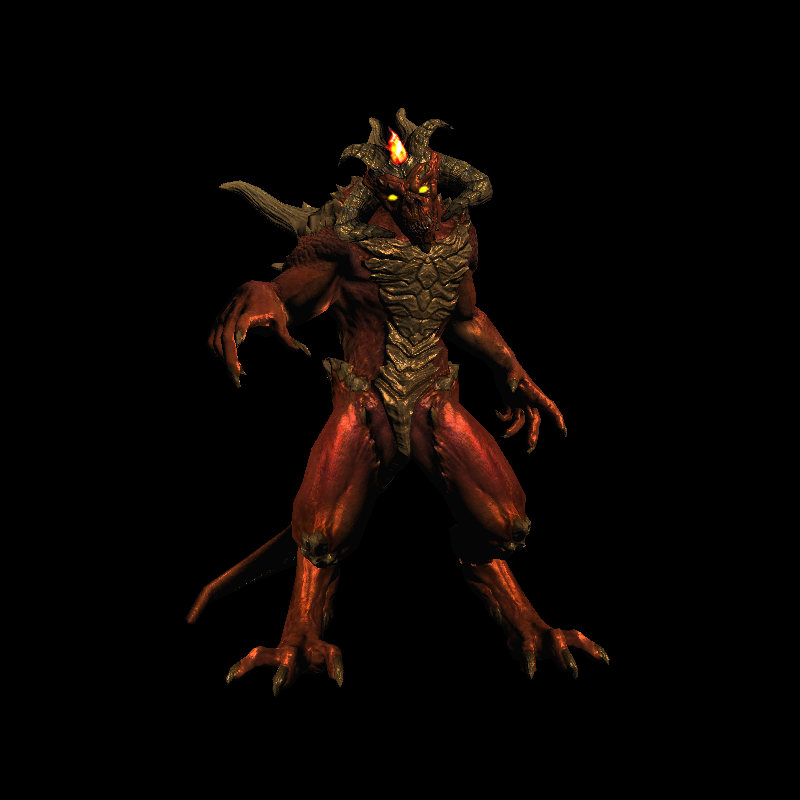
The task is as follows: using no third-party libraries (especially graphics-related ones), we will generate an image like this:
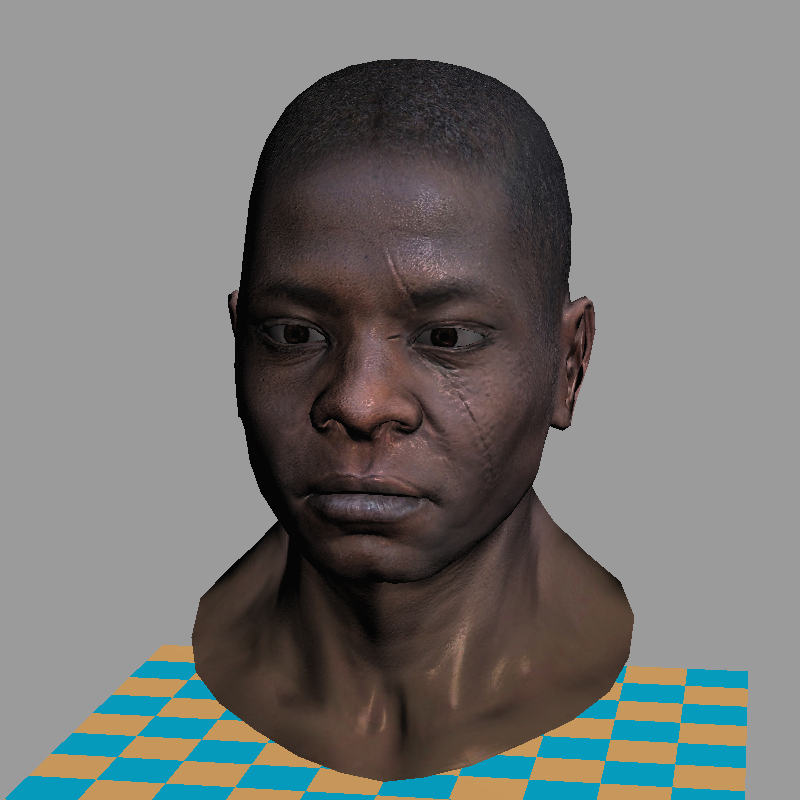
Warning: This is a training material that loosely follows the structure of modern 3D graphics libraries. It is a software renderer. I do not intend to show how to write GPU applications — I want to show how they work. I firmly believe that understanding this is essential for writing efficient applications using 3D libraries.
The starting point
The final code consists of about 500 lines. My students typically require 10 to 20 hours of programming to start producing such renderers. The input is a 3D model composed of a triangulated mesh and textures. The output is a rendering. There is no graphical interface, the program simply generates an image.
To minimize external dependencies, I provide my students with a single class for handling TGA files — one of the simplest formats supporting RGB, RGBA, and grayscale images. This serves as our foundation for image manipulation. At the beginning, the only available functionality (besides loading and saving images) is the ability to set the color of a single pixel.
There are no built-in functions for drawing line segments or triangles — we will implement all of this manually. While I provide my own source code, written alongside my students, I do not recommend using it directly, as doing the work yourself is essential to understanding the concepts. The complete code is available on github, and you can find the initial source code I provide to my students here. Behold, here is the starting point:
#include "tgaimage.h"

constexpr TGAColor white   = {255, 255, 255, 255}; // attention, BGRA order
constexpr TGAColor green   = {  0, 255,   0, 255};
constexpr TGAColor red     = {  0,   0, 255, 255};
constexpr TGAColor blue    = {255, 128,  64, 255};
constexpr TGAColor yellow  = {  0, 200, 255, 255};

int main(int argc, char** argv) {
    constexpr int width  = 64;
    constexpr int height = 64;
    TGAImage framebuffer(width, height, TGAImage::RGB);

    int ax =  7, ay =  3;
    int bx = 12, by = 37;
    int cx = 62, cy = 53;

    framebuffer.set(ax, ay, white);
    framebuffer.set(bx, by, white);
    framebuffer.set(cx, cy, white);

    framebuffer.write_tga_file("framebuffer.tga");
    return 0;
}
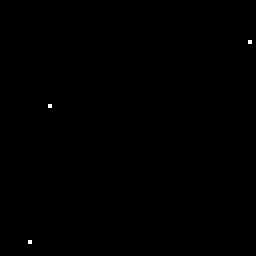
It produces the 64x64 image framebuffer.tga, here I scaled it for better readability:
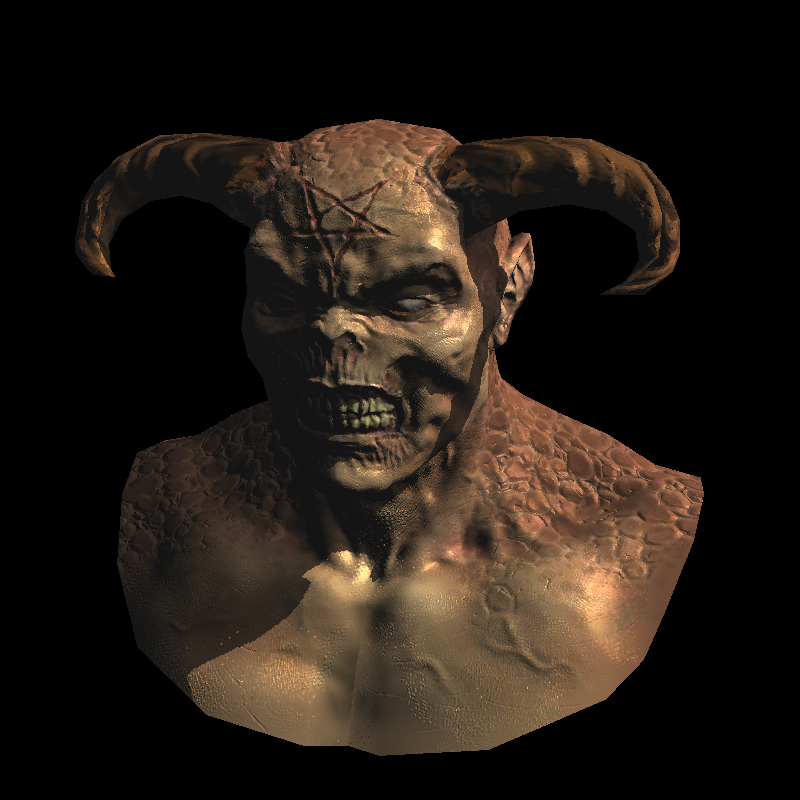
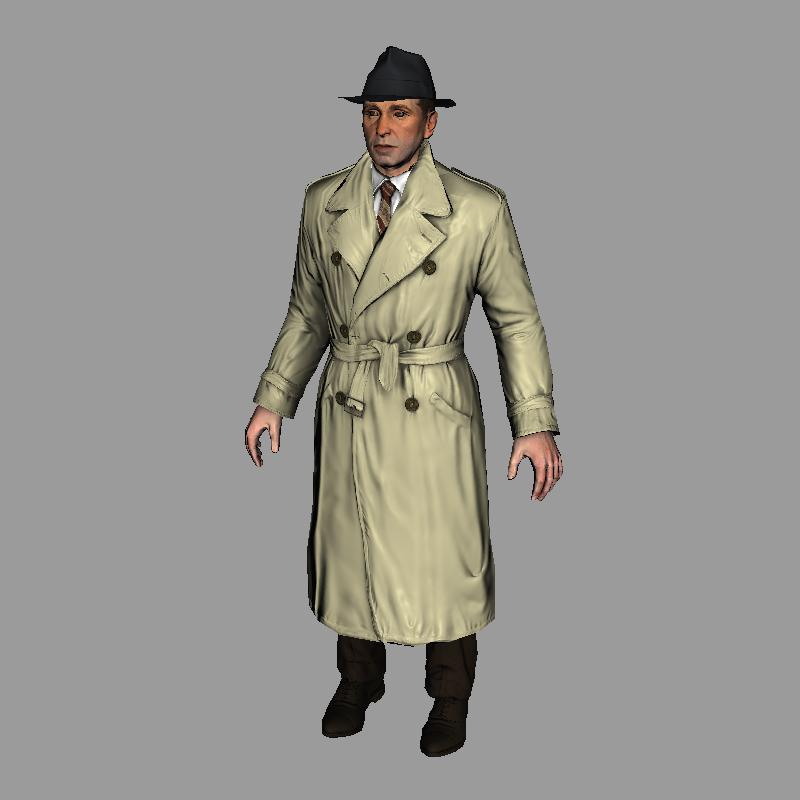
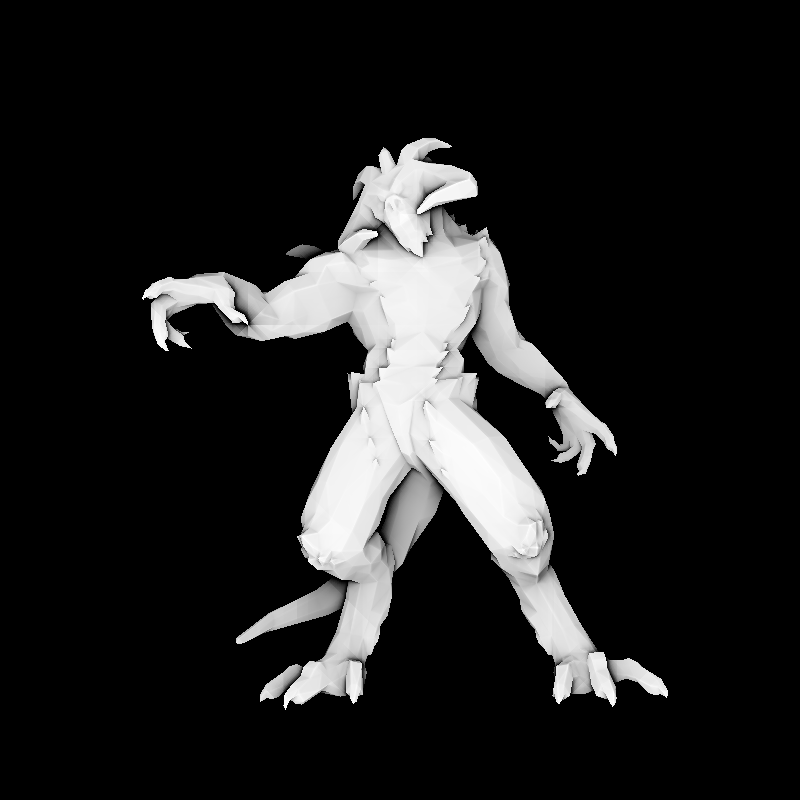
Teaser: few examples made with the renderer
Compilation
git clone https://github.com/ssloy/tinyrenderer.git &&
cd tinyrenderer &&
cmake -Bbuild &&
cmake --build build -j &&
build/tinyrenderer obj/diablo3_pose/diablo3_pose.obj obj/floor.obj
The rendered image is saved to framebuffer.tga.